D
New Member
Join Date: May 2021
Posts: 1
06-09-2021, 07:54 AM
#1I want to be able to control my Fujitsu ASU24RLF mini-split system with my phone through Wi-Fi with the use of an app. What is needed for such an application?
Tags: None

I want to be able to control my Fujitsu ASU24RLF mini-split system with my phone through Wi-Fi with the use of an app. What is needed for such an application?
For this application, you need Fujitsu FJ-IR-WIFI-1NA Halycon Wireless (Wi-Fi) Adapter. It is important to note that IntesisHome Device is only capable of controlling one single Fujitsu indoor unit.
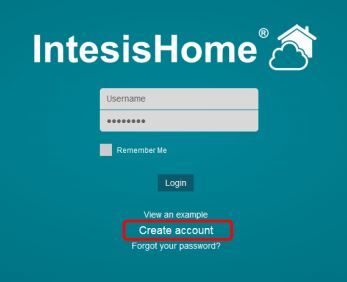
You have to download the App on your smartphone or tablet or visit the webpage as well. Download the IntensisHome App from the App Store, Google Play, or Amazon and install. Create your account
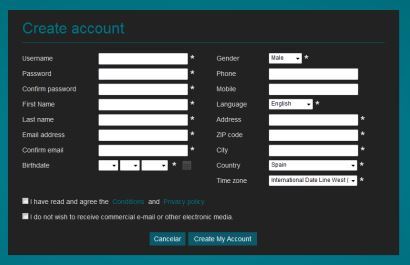
Then go ahead to feed in your personal information
To set up, please follow the instructions in the Installation Guide.
For additional Interface Adapters, please click this link.
For custom HVAC control solutions, feel free to contact our HVAC experts for assistance or learn more on our HVAC Controls website.